You can do that by adding a file with a name ending in .desktop in the location that the command kf5-config --path services gives you with the contents below:
1 | /home/pablo/.local/share/kservices5/:/usr/share/kservices5/ |
1 | [Desktop Entry] |
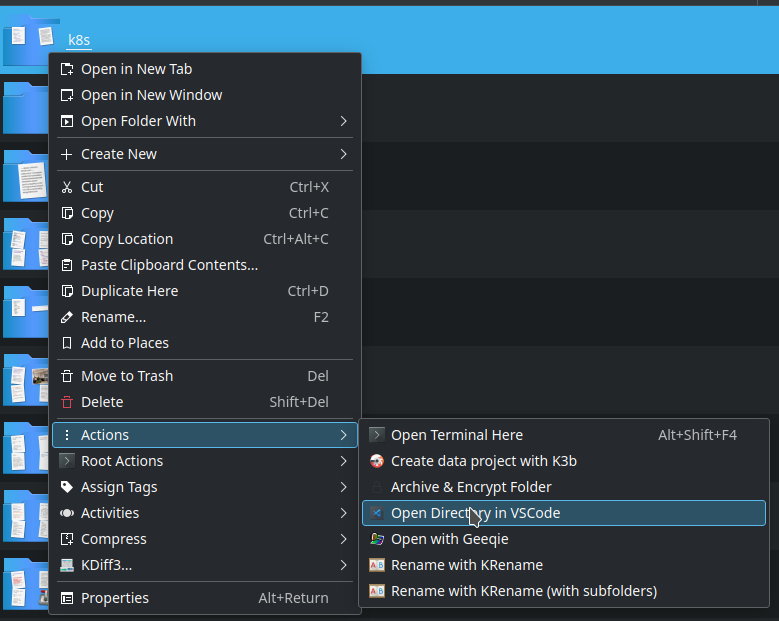
Note that inside the /usr/share/kservices5/ folder there are more examples that can be taken as reference.